Free sounds great until your website goes down at 2 am and there’s no one to call. Free WordPress hosting is real, it exists, and for the right use case, it makes complete sense. But for most business owners and serious web projects, the hidden costs of free hosting show up fast in slow load times, forced ads, no custom domain, and zero support when things break.
This guide gives you the full picture before you decide.
Here’s what we cover:
- What free WordPress hosting actually means and how providers make money
- 7 free WordPress hosting options reviewed honestly, with pros and cons
- The real limitations that catch people off guard
- When free hosting genuinely makes sense and when it doesn’t
- 3 affordable paid alternatives that cost less than a coffee per day
We’ve been managing WordPress hosting for over 2,400 clients since 2011, and we’ve seen what happens when a website outgrows its free plan at the worst possible time. Our managed WordPress hosting is built for businesses that need reliability, not just a free tier.
How free WordPress hosting works, actually
Before comparing options, it’s worth being clear about one thing: nothing is truly free. Free WordPress hosting providers cover server costs in one of three ways: a freemium model where the free tier is limited and they upsell you on paid plans, advertising where they display ads on your site that you don’t control, or a trial/credit model that is free for a limited time and then requires payment.
That’s not a criticism. It’s just the reality of how hosting economics work. Understanding the model helps you choose the right free hosting service for your situation without any surprises.
There’s also an important distinction worth making upfront:
- WordPress.org is the free, open-source software you download and self-host
- WordPress.com is a hosted platform with its own free tier and paid plans
- Free hosting refers to third-party providers that host the WordPress software on their servers at no cost
All of the options below refer to hosting where you install or use WordPress to build a website without paying a monthly fee.
The real limitations of free WordPress hosting
Free plans share server resources with hundreds of other sites, resulting in slow load times. Google PageSpeed scores on free hosts typically fall well below what paid hosting achieves. Beyond speed, here’s what most free hosting plans restrict:
| Limitation | What it means for your site |
|---|---|
| Free subdomain only | Your URL is yoursitename.provider.com, not yourbrand.com |
| Storage limits | Often, 500MB to 3GB — fills up fast with images and media |
| Bandwidth limits | Traffic spikes can take your site offline |
| No custom plugins | Many free plans restrict which plugins you can install |
| Forced ads | Provider may display ads on your site you have no control over |
| No automatic backups | Lose your data, lose your site |
| Limited or no technical support | You’re on your own when something breaks |
| No free SSL on some plans | Your site may display as insecure in browsers |
| Limited or no email accounts | No professional business email on your own domain |
| Restricted PHP versions | Some free hosts run older, less secure PHP |
7 free WordPress hosting options for 2026
Can you get free WordPress web hosting? Your inner cynic might ask, “What’s that catch?” Well, you really can get started with your first WordPress website without opening your wallet, but is free WordPress hosting always your best option? Not having to pay a web hosting bill can help you get your website project up and running when your budget has no wiggle room, but as the saying goes, you get what you pay for.
Let’s take a look at some of the best options for free WordPress web hosting, why you would or would not want to go with a free plan, and finally, a few cheap hosting options for WordPress for you to consider to get your online business or personal project off on a solid footing.
1. WordPress.com
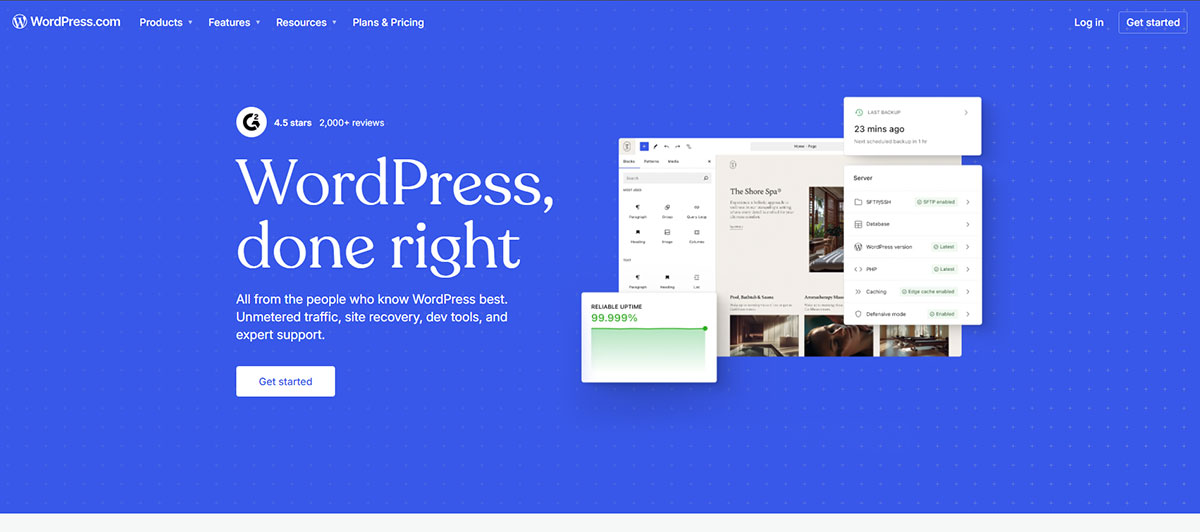
WordPress.com is the most popular and most beginner-friendly free hosting option available. It handles all the technical aspects of running your website, including updates and security, without requiring any setup knowledge from the user.
What the free plan includes:
- 3GB of storage space
- Free subdomain (yoursite.wordpress.com)
- Free SSL certificate
- Access to free themes and limited plugins
- Built-in site builder
- Zero technical setup required
Pros: The fastest way to get a basic WordPress website online. Ideal for non-technical users who want something simple and functional. Easy upgrade path to paid plans when your needs grow.
Cons: The free plan includes disruptive ads displayed on your site. You cannot use your own custom domain. Installing custom plugins is not available on the free plan. Your own website is subject to WordPress.com‘s terms of service, and violations can result in your site being taken down. For any serious business presence, the forced subdomain and ads are significant drawbacks.
Best for: Personal blogs, hobby websites, student projects, or testing ideas before committing to a paid plan.
2. FreeHostingNoAds
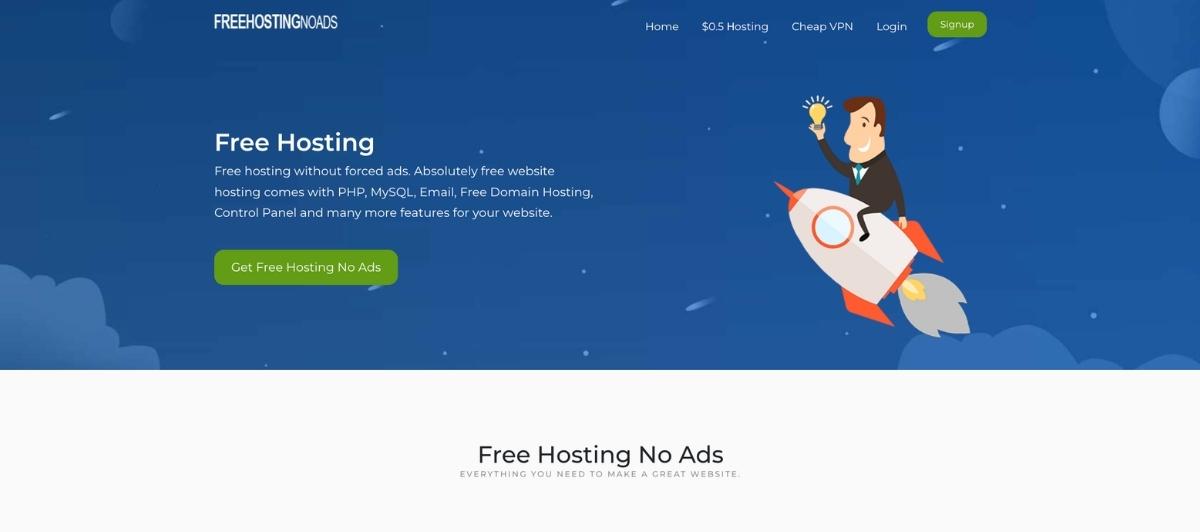
FreeHostingNoAds delivers exactly what the name promises: free hosting without the ads that most free hosting providers force onto your site.
What the free plan includes:
- 1GB web space
- 5GB bandwidth
- Website builder
- Domain hosting support
- PHP and MySQL databases support
- Control panel access
- Email hosting
- Technical support
- WordPress auto-installer
Pros: Ad-free hosting is a meaningful advantage. Easy upgrade path to affordable paid plans. Support is included, which is rare at the free tier.
Cons: No free SSL certificate for your website. No automatic backups. Storage and bandwidth limits are tight for anything beyond a basic WordPress website. Bandwidth limits could become a problem as your site grows.
Best for: Simple, static websites or WordPress blogs with low traffic that need an ad-free experience without paying for hosting.
3. InfinityFree

InfinityFree has been offering genuinely free web hosting for over nine years with a reputation for reliability that few free hosting providers can match.
What the free plan includes:
- 5GB of disk space
- Unmetered bandwidth (fair use policy applies)
- Unlimited websites on one account
- Free SSL certificate
- cPanel access
- Softaculous installer to install WordPress in one click
- Your choice of 25 available free subdomains
- Bring your own domain name
- No time limits on the free plan
Pros: InfinityFree offers genuinely free shared hosting with unlimited disk space and bandwidth under fair use limits, support for WordPress installation, and a free subdomain. Full cPanel access gives you more control than most free hosting services. Easy upgrade to iFastNet paid plans when you need more.
Cons: No free email accounts included. Performance is shared with other free users, so speed can be inconsistent. Fair use limits on bandwidth mean very high-traffic sites may be throttled. Not suitable for a WooCommerce store or high-demand web application.
Best for: Developers testing sites, small websites, or anyone wanting free hosting with full cPanel access and the ability to use their own domain name.
4. 100WebSpace
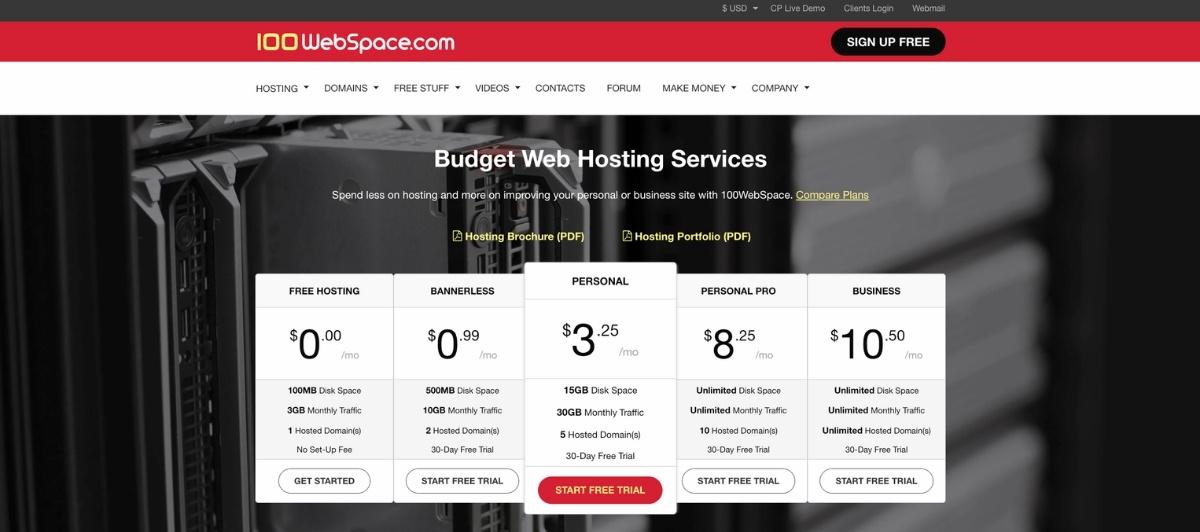
100WebSpace offers two tiers of free hosting, one with a banner ad and one without. The banner-free option is the more useful of the two for most use cases.
What the banner-free plan includes:
- 500MB of storage
- 10GB monthly traffic
- 2 domains
- 3 email accounts
- cPanel one-click app installer
- 24/7 support
Upgrade option: $2.95 per month for 15GB storage, 30GB traffic, and 5 domain hosting.
Pros: HostAdvice gives 100WebSpace five stars across the board for user-friendliness, support, features, reliability, and pricing. The inclusion of email accounts is genuinely useful at the free tier.
Cons: 500MB of storage is extremely limited. Installing WordPress and adding images will push you to the limit quickly. Disk space constraints make this unsuitable for anything beyond the most basic WordPress website.
Best for: Very small websites or brochure sites with minimal media where even limited storage won’t be a constraint.
5. Byet.Host
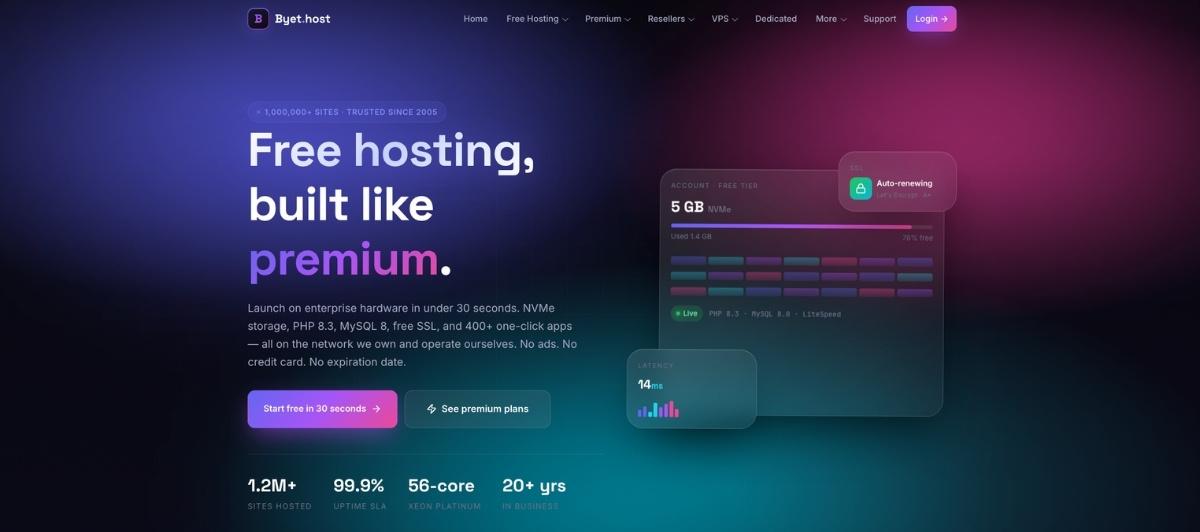
Byet.Host gives you a free hosting account with your choice of seven subdomains and a flexible feature set that goes further than many free hosting providers.
What the free plan includes:
- 5 email accounts
- FTP access and file manager
- cPanel access
- MySQL databases and PHP support
- Technical support
- No fixed disk space or hard bandwidth limits
Pros: Flexible subdomain options. No strict disk space or bandwidth limits stated in the free tier. FTP access is useful for developers who want more direct control over their site’s files.
Cons: TechRadar gives Byet.Host three out of five stars due to self-signed SSL certificates, insecure HTTP login links, and a poorly maintained website. The security concerns around the SSL setup are a significant drawback for any site collecting user information. Your site URL will carry the Byet.Host subdomain (yoursite.byethost.com).
Best for: Developers comfortable working around SSL limitations who want a flexible, free environment for testing or low-stakes projects.
6. AwardSpace
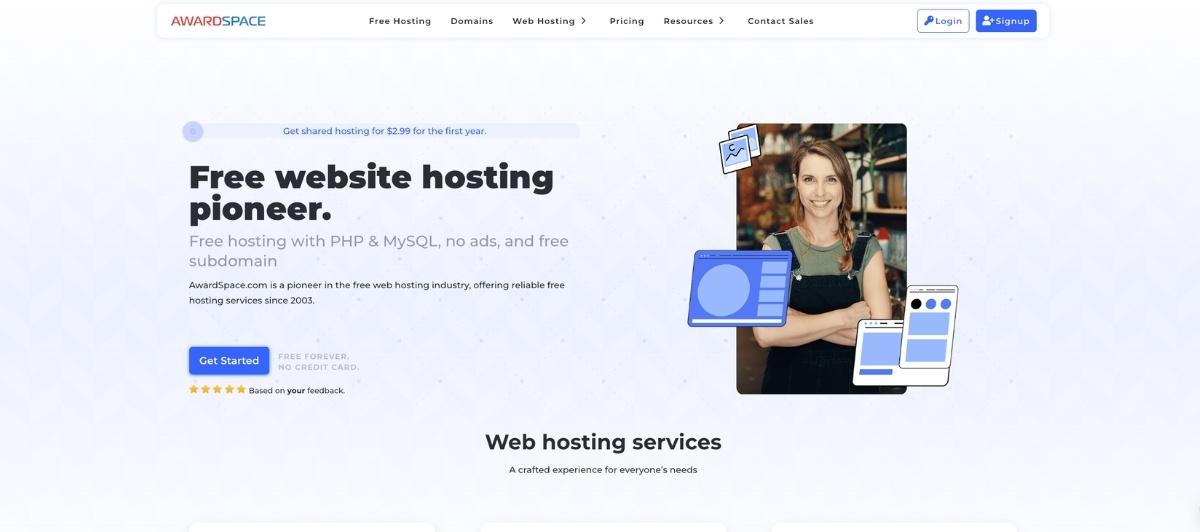
AwardSpace brings a solid reputation and a four-out-of-five-star rating from HostAdvice to its free hosting tier, making it one of the more credible free hosting services on this list.
What the free plan includes:
- Ad-free web hosting
- 5GB bandwidth
- 1GB disk space
- MySQL database support
- Host one domain and up to three subdomains
- 99.9% network uptime guarantee
- File manager
- One-click WordPress installer
- 24/7 customer support
Pros: Ad-free experience with a legitimate uptime guarantee. 24/7 customer support is rare and valuable at the free tier. Affordable paid plans make upgrading straightforward.
Cons: The free plan is promotional and valid for one year only, after which you need to transition to a paid plan. No free domain registration included. Customer reviews are mixed on support quality. Storage limits are tight for anything beyond a starter site.
Best for: Non-technical users starting a personal project or hobby website who want a clean, ad-free experience with some support available.
7. FreeHosting.com
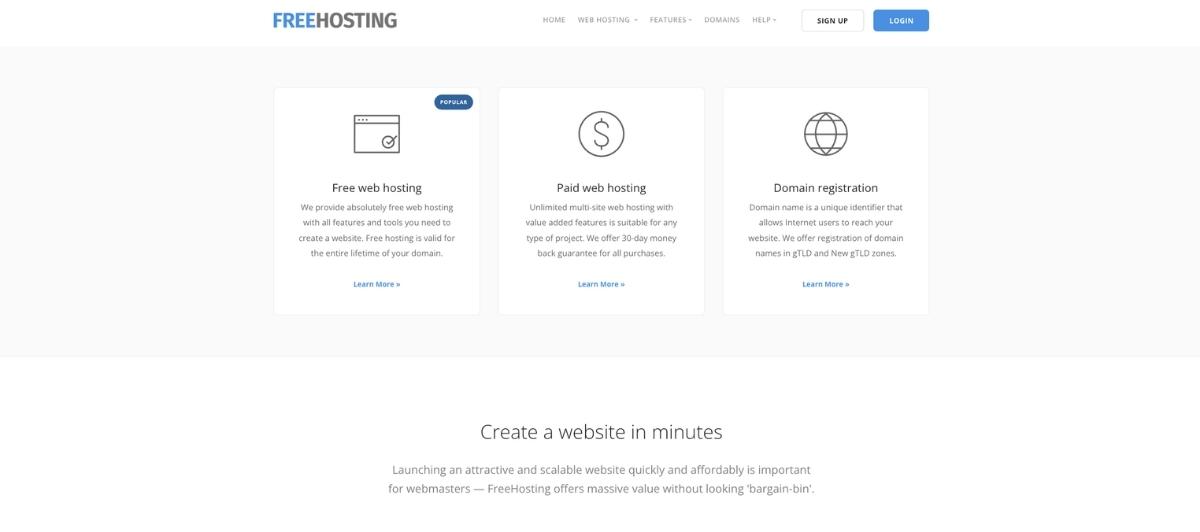
FreeHosting.com received 4.4 out of five stars from WebsitePlanet.com, though user reviews averaged just 2.2 stars, which reflects the gap between platform ratings and real-world experience that’s common across free hosting providers.
What the free plan includes:
- Own domain hosting support
- 10GB disk space
- Unmetered bandwidth
- 1 email account
- 1 MySQL database
- One-click WordPress installer
- cPanel access
- Free templates
Upgrade option: Unlimited disk space, bandwidth, and email accounts for multiple sites.
Pros: 10GB of disk space is generous for a free hosting plan. Unmetered bandwidth and own custom domain support give this more flexibility than most free tiers. One-click install WordPress makes getting started accessible for non-technical users.
Cons: User reviews consistently flag slow page loading speeds, downtime, and poor or absent customer support. For a site where reliability matters, these are significant risks. The one email account and single MySQL database are limited for anything beyond a very simple site.
Best for: Hobbyist or experimental projects where downtime and slow speeds are tolerable and cost is the absolute priority.
Free hosting options at a glance
| Provider | Storage | Bandwidth | Free SSL | Custom Domain | Ads | Best for | |
|---|---|---|---|---|---|---|---|
| WordPress.com | 3GB | Limited | Yes | No | Yes | No | Beginners, blogs |
| FreeHostingNoAds | 1GB | 5GB | No | Yes | No | Yes | Ad-free basics |
| InfinityFree | 5GB | Unmetered* | Yes | Yes | No | No | Developers, testing |
| 100WebSpace | 500MB | 10GB | No | Yes | Optional | 3 accounts | Minimal sites |
| Byet.Host | Flexible | Flexible | No (self-signed) | No (subdomain) | No | 5 accounts | Developer testing |
| AwardSpace | 1GB | 5GB | No | Yes | No | No | Beginners (1 yr) |
| FreeHosting.com | 10GB | Unmetered | No | Yes | No | 1 account | Experimental projects |
*Fair use limits apply
When free WordPress hosting makes sense
Free hosting is a reasonable choice for specific situations. Here’s an honest list of the cases where it genuinely makes sense to start with a free hosting service rather than a paid plan:
- Non-profit or community projects with no revenue and tight budgets
- Student projects or school portfolios that only need to exist temporarily
- Teachers sharing content with a class who don’t need a professional domain
- Faith-based organizations testing an online presence before committing
- Personal hobby websites with no monetization plans
- Testing a concept before investing in a proper site
- Learning WordPress for the first time without spending money
For any of these scenarios, a free WordPress hosting plan is a reasonable starting point. The key word is starting point.
When free WordPress hosting is a bad idea
Free hosting often includes hidden drawbacks like ads, malware risks, and sudden shutdowns. If you’re serious about your website, it’s best to avoid free hosting.
Here’s a more specific breakdown of when the free route will cost you more than it saves:
- You’re running a business. Customers visiting a site on a free subdomain (yoursite.wordpress.com or yoursite.byethost.com) immediately read that as unprofessional. Your own custom domain is the baseline expectation for any legitimate business, and that requires a paid plan.
- You need a WooCommerce store. Free hosting plans lack the resources, storage, and database support needed to run a reliable ecommerce store. Performance issues and downtime directly translate to lost sales.
- You need a professional email. Business email from your own domain name requires paid hosting or a separate email hosting service. Free hosting plans that include email typically limit you to one or two accounts, and the reliability is often inconsistent.
- You need custom plugins. Most free WordPress hosting services either restrict which plugins you can install or block custom plugin installation entirely. WordPress without plugins is like WordPress with one hand tied behind its back.
- Security matters. Free hosting plans rarely include automatic backups, robust security monitoring, or reliable SSL certificates. A malware infection or data loss on a free hosting account often has no recovery path.
- You care about speed. Performance on free plans is limited because they share server resources with hundreds of other sites, resulting in slow load times. Slow websites rank lower in search, convert fewer visitors, and frustrate users into bouncing.
3 cheap alternatives that beat free every time
For most projects that outgrow a free plan, the jump to paid hosting is smaller than people expect. These three options from our roundup of cheap WordPress hosting plans all offer dramatically more than any free tier for less than a daily coffee.
1. SiteGround

SiteGround starts at $3.99 per month and includes a free SSL certificate, professional email, automated updates, daily backups, and customer support that actually responds. For a basic WordPress website moving beyond a hobby project, SiteGround is one of the strongest value options available.
2. Hostinger
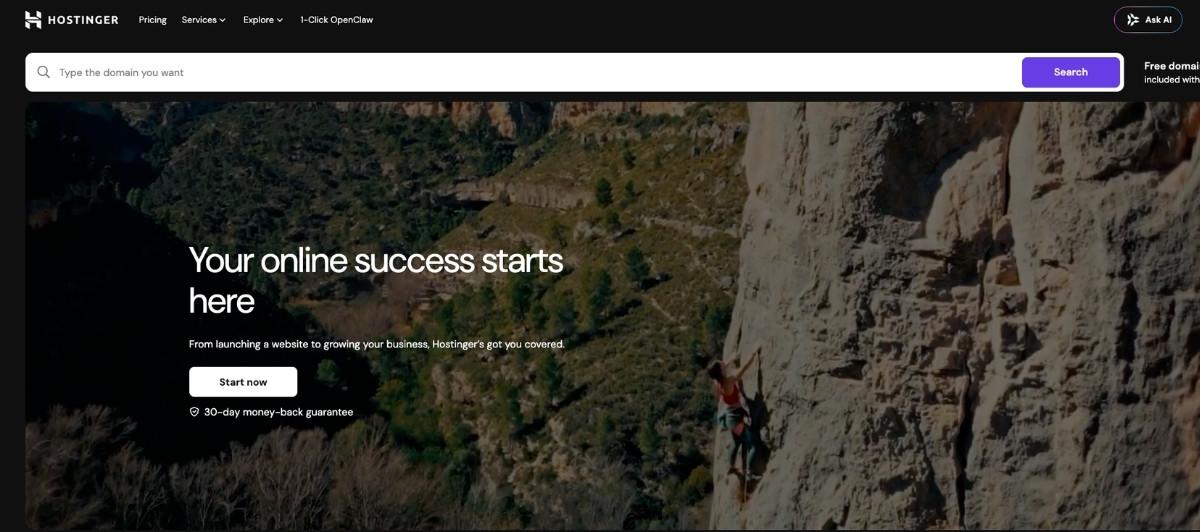
Hostinger offers a 12-month WordPress starter plan from $2.79 per month with 100GB of storage, a free domain name, free SSL, professional email, and unmetered bandwidth. For the price, it’s hard to find a more complete package for a new site.
3. Bluehost
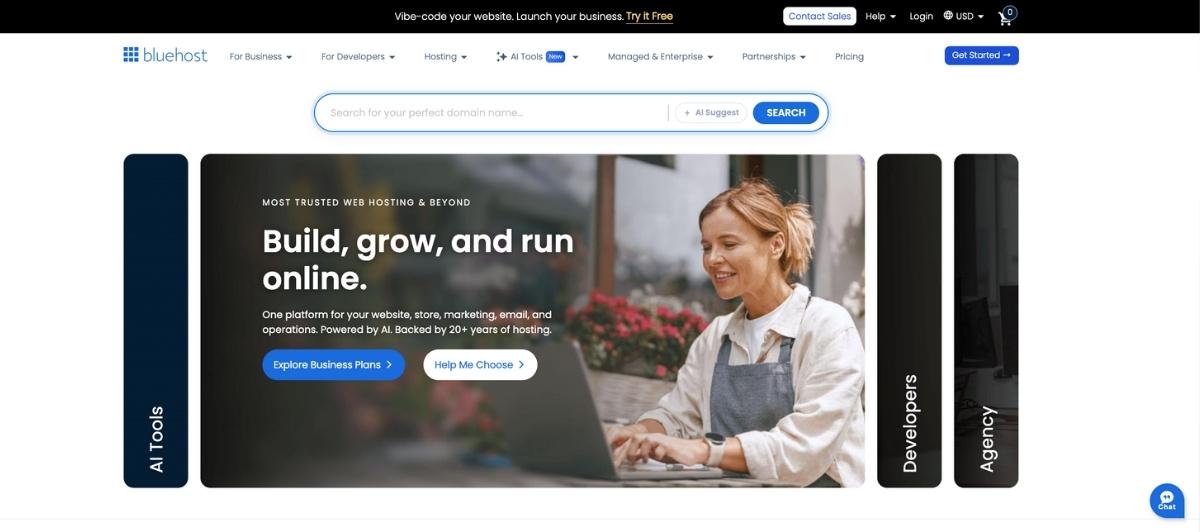
Bluehost is officially recommended by WordPress.org and starts at $2.75 per month with an annual subscription. The basic plan includes 50GB of storage, 24/7 customer support, a free domain for one year, and an SSL certificate. For non-technical users who want reliable managed hosting with genuine support, Bluehost is one of the most accessible entry points to paid WordPress hosting.
For businesses ready to move beyond shared hosting entirely, our own WordPress managed hosting covers security, speed optimization, updates, and backups as a complete package. It’s what 2,400+ clients have trusted since 2011 for exactly this reason.
Your website is only as reliable as its foundation — make sure yours can hold the weight
Free WordPress hosting has its place. For personal projects, learning tools, and low-stakes experiments, it’s a perfectly reasonable starting point. But for any website where reliability, professionalism, or performance actually matters, the limitations of free hosting show up fast and cost more than the money you saved.
Key takeaways:
- Free WordPress hosting is real, but providers always recover costs through ads, limits, or upsells
- InfinityFree and FreeHosting.com offer the most generous free tiers, with their own domain support
- WordPress.com is best for pure beginners, but forces a branded subdomain and ads on the free plan
- No free hosting plan offers automatic backups, which is a significant risk for any real project
- For under $3/month, paid hosting from SiteGround, Hostinger, or Bluehost eliminates nearly every free tier limitation
- Businesses should never rely on free hosting for customer-facing sites
If you’re at the point where your site has outgrown what any free hosting service can offer, and you want a team handling everything from speed to security, get a quote from our team, and let’s talk about what proper managed WordPress hosting looks like for your specific situation.
FAQs
Is free WordPress hosting really free?
Yes, but with trade-offs. Free WordPress hosting providers cover their costs through ads on your site, limited features that push you toward paid plans, or by running older infrastructure. You get hosting at no cost but give up performance, support, and often a custom domain.
Can I use my own domain name with free WordPress hosting?
It depends on the provider. InfinityFree and FreeHosting.com support your own custom domain on free plans. WordPress.com‘s free plan restricts you to a free subdomain (yoursite.wordpress.com). Most free website hosting plans that allow a custom domain still require you to purchase that domain separately.
What are the biggest limitations of free WordPress hosting?
The most common limitations are forced ads on your site, no own custom domain, storage limits, bandwidth limits, no automatic backups, restricted plugin installation, slow load speeds due to shared resources, and limited or no technical support when issues arise.
Is free WordPress hosting good for a small business?
Generally no. A business WordPress site on a free subdomain with ads and slow load speeds communicates unprofessionalism and risks losing customers. For a small business, a paid hosting plan starting at $2.75 to $3.99 per month delivers dramatically better performance, a custom domain, professional email, and real support.
What is the best completely free WordPress hosting in 2026?
InfinityFree is the strongest fully free option for users who want cPanel access, free SSL, unmetered bandwidth under fair use limits, and the ability to use their own domain name. WordPress.com is the best free account option for absolute beginners who want a managed experience without any technical setup.