

Choosing the right WordPress site builder shapes every design decision, performance outcome, and maintenance experience your website will have. The wrong choice can mean starting over in twelve months when your current builder can’t support the features your growing business needs. The right choice gives you a foundation that scales with you without requiring a rebuild every time your requirements evolve.
This guide compares the five best WordPress page builders in 2026, with honest assessments of where each one excels, where it falls short, and which type of project it’s best suited for.
Here’s what we cover:
- What WordPress site builders are and how they work
- The common advantages and limitations of page builder plugins
- Five of the best WordPress page builders, compared with pricing
- How the WordPress block editor compares to dedicated builder plugins
- When a WordPress agency is the better choice over a site builder
If you’re not sure which approach fits your project, get a free quote from Freshy, and we’ll give you a straightforward recommendation based on your specific needs. We’ve built sites with almost every tool on this list.
What are WordPress site builders?
WordPress site builders are plugins or tools that allow users to create and design website pages using a visual drag-and-drop interface without requiring coding skills. Instead of writing HTML, CSS, or PHP directly, you select elements like text blocks, images, buttons, and forms, and place them where you want them on the page. Changes appear in real time, so you can see exactly how the page looks as you build it.
Most page builders also come with a template library of pre-designed layouts that you can use as a starting point rather than building every page from scratch. This makes site creation significantly faster for standard page types like landing pages, service pages, and blog page layouts.
Some page builders extend beyond individual page creation into full site editing, allowing you to design headers, footers, archive templates, and even WooCommerce product pages. These are sometimes called theme builders, and they represent the more comprehensive end of the page builder spectrum.
Common advantages of WordPress site builders
- Drag-and-drop interface: Build and rearrange page elements visually without web development skills
- Template library: Pre-designed layouts for landing pages, sales pages, contact forms, and service pages save significant time
- No coding required: Complete websites are achievable without custom CSS or custom code, though most builders support it for advanced users
- Responsive design: Most page builders include built-in responsive controls for mobile, tablet, and desktop views
- Plugin integration: Most popular WordPress plugins, including WooCommerce, Yoast SEO, and marketing tools, integrate well with established page builder plugins
Common limitations of WordPress site builders
- Learning curve: Some builders, particularly Divi and WPBakery, require significant time investment before you can use them efficiently
- Performance issues: Adding too many elements and widgets can lead to slower loading times that affect user experience and search engine rankings
- Vendor dependency: If the builder is discontinued or poorly maintained, rebuilding on a different platform is costly
- Limited flexibility for complex layouts: Advanced users often hit the ceiling of what page builders can achieve without custom code
- Cost: Most comprehensive page builders require paid versions to access the features that make them genuinely useful
Five popular WordPress site builders
The builders below cover a range from beginner-friendly tools to more advanced environments. Each has a genuinely different strength, so the best WordPress page builder for your project depends on what you’re building and who will be managing it.
1. SeedProd

SeedProd started as a coming soon and maintenance mode page builder and has evolved into a comprehensive page builder covering the full website. Its drag-and-drop builder handles footers, headers, sidebars, archive templates, WooCommerce pages, and essentially any type of page or post layout.
SeedProd is particularly well-suited to marketing-focused sites where landing pages, opt-in forms, and email marketing integrations are a priority.
Key features:
- Over 200 professionally designed themes, templates, and layout sections
- Integrations with major email marketing platforms, including Mailchimp, ActiveCampaign, ConvertKit, and Constant Contact
- A large library of WordPress blocks, including WooCommerce-specific options for online stores
- 20 built-in color schemes with the option to create custom ones
Pricing: Free version available with limited features. Premium plans start at $79 per year for one site.
Best for: Marketing sites, landing pages, and businesses that prioritize email list building and conversion optimization alongside standard site pages.
2. Thrive Architect

Thrive Architect is a visual page builder from Thrive Themes specifically designed for conversion-focused websites. Its drag-and-drop editor is built around generating leads and revenue rather than general site creation, making it an unusually strong choice for businesses with clear conversion goals.
It integrates seamlessly with WooCommerce and is particularly strong for creating marketing funnels, lead generation pages, and sales pages where conversion rate is the primary metric.
Key features:
- Over 300 templates, including full lead generation funnel layouts
- Opt-in form creation with integration for over 20 email marketing services
- Advanced elements, including pricing tables, countdown timers, animations, and testimonial blocks
- A/B testing integration for optimizing page performance
Pricing: Premium only. The site builder starts at $199 per year. The full Thrive Suite, including all ecommerce and conversion features, starts at $799 per year.
Best for: Businesses running active marketing campaigns, ecommerce stores with sales funnel requirements, and sites where conversion rate optimization is a core priority.
3. Beaver Builder
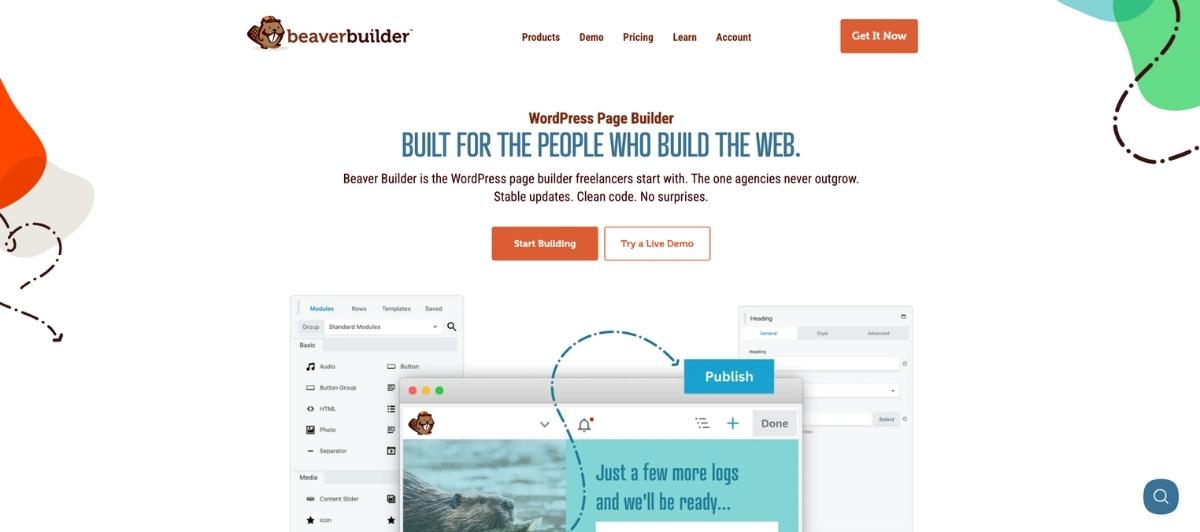
Beaver Builder has an average rating of 4.8 from 373 reviews and is known for its intuitive, well-labelled interface that works well for both beginners and experienced web designers. It’s one of the most stable and developer-friendly page builders available, with cleaner code output than many other builders and strong optimization for loading speed.
Beaver Builder is also SEO-friendly and mobile responsive, and its add-on ecosystem includes tools for advanced mega menus, galleries, and extended theme builder features through the Beaver Themer add-on.
Key features:
- 170+ predesigned templates and row layouts
- Icon library covering simple shapes through advanced graphic options
- Full WooCommerce integration for product pages and online store layouts
- Compatibility with a fair number of third-party integrations and add-ons
Pricing: A limited free version is available through WordPress.org. Premium plans start at $99 per year for unlimited sites. Premium add-ons are priced separately.
Best for: Small businesses, developers who value clean code and stable performance, and sites that need a reliable builder with a strong track record and good long-term support.
4. Elementor

Elementor has over 10 million active installations and holds an average rating of 4.6 out of 5. Its live drag-and-drop editor allows instant changes to be seen as you build, and its AI generator helps accelerate content and design creation for users who want to move faster.
Elementor’s free version is one of the most genuinely useful free tiers in the page builder market. Even the free version includes over 40 widgets and basic template access. The Pro version expands significantly into theme builder features, dynamic content, popup builder functionality, form builder tools, and a much larger template library.
Elementor is compatible with many third-party plugins and themes, though it can suffer performance issues with too many add-ons installed simultaneously. For sites using Elementor professionally, managing the plugin footprint is an important ongoing consideration.
Key features:
- Over 300 templates and 100 widgets in the Pro version
- Theme builder features covering headers, footers, single post templates, and archive layouts
- AI-powered content and design generation
- Popup builder, form builder, and dynamic content capabilities in Pro
Pricing: Free version available. Elementor Pro starts at $59 per year for one website.
Best for: Designers and content creators who want a visually rich building experience, sites needing extensive template variety, and users who want meaningful free functionality before committing to a paid plan.
5. Divi page builder
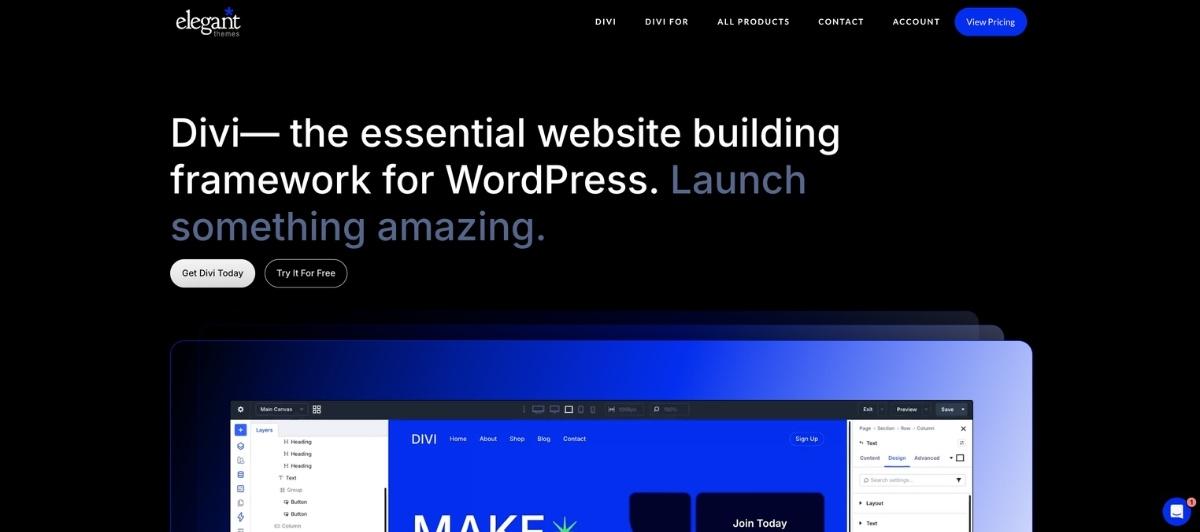
Divi by Elegant Themes scores an average of 4.8 out of 5 across reviews and functions as both a WordPress theme and a drag-and-drop page builder bundled into a single solution. This makes it one of the most comprehensive page builders in terms of everything it covers out of the box.
Divi’s interface has a steeper learning curve than Elementor or Beaver Builder due to its complexity, but the depth of customization it offers is exceptional. It provides over 2,000 layouts and 200 elements, along with advanced code editing for users with programming experience. Its built-in A/B testing is a genuinely useful feature for optimizing page designs.
Divi has a larger footprint than leaner builders, which can affect performance on complex layouts. Our dedicated Divi development service covers professional Divi builds for clients who want expert implementation without the learning curve.
Key features:
- Over 2,000 full website layouts and 200 design elements
- Built-in A/B split testing for optimizing pages
- Contact form builder and email opt-in module
- WooCommerce integration and full theme builder features
- Advanced CSS and custom code editing for advanced users
Pricing: Divi is premium only. Plans start at $89 per year, or a lifetime license is available for $249.
Best for: Users who want a full design environment with extensive layout options, advanced customization capability, and a built-in theme, particularly those with some design or coding experience who can take advantage of Divi’s depth.
How these builders compare at a glance
Here’s a quick reference across the five builders before you decide:
| Builder | Free version | Starting price | Best for | Learning curve |
|---|---|---|---|---|
| SeedProd | Yes (limited) | $79/year | Marketing and lead generation | Low |
| Thrive Architect | No | $199/year | Conversion funnels and ecommerce | Medium |
| Beaver Builder | Yes (limited) | $99/year unlimited | Clean code, stable long-term builds | Low to medium |
| Elementor | Yes (strong) | $59/year | Design-rich sites, broad use cases | Low to medium |
| Divi | No | $89/year or $249 lifetime | Full design environment, experienced users | Medium to high |
What about the WordPress block editor?
The native WordPress block editor, also called Gutenberg, is the site editor built directly into WordPress without any additional plugins. It transforms into a flexible site builder when combined with powerful block extensions, and for many straightforward websites, it handles the requirements without any third-party page builder plugin at all.
The block editor is improving significantly with each WordPress release, particularly in the area of full site editing, which now allows users to edit headers, footers, and global site elements directly from the editor interface. For new websites with standard layout requirements, it’s worth evaluating the block editor before committing to a page builder plugin, since avoiding the additional plugin reduces code bloat and potential performance overhead.
That said, for complex layouts, advanced dynamic content, dedicated pop-up builder or form builder features, or sophisticated sales pages and landing pages, a dedicated page builder plugin remains the more capable tool for most non-developer users.
How to choose the right page builder for your project
Different page builders are right for different projects. These questions help narrow the decision.
What type of content will the site primarily publish? A marketing-focused business running lead generation campaigns benefits most from Thrive Architect or SeedProd. A portfolio or informational site might do well with Elementor’s free version or even the native block editor. A content-heavy publication benefits from Beaver Builder’s stability and clean code output.
Who will be managing the site after launch? If a non-technical client or staff member will be making content updates, choose the builder with the most intuitive editing experience for their level. Elementor and Beaver Builder are generally more approachable for non-technical editors than Divi.
What is your performance budget? Some builders, particularly those relying heavily on add-ons, can significantly increase page weight and slow load times. If site performance is a priority, Beaver Builder and the native block editor produce leaner output than most other builders in the same category. Our WordPress speed optimization service addresses performance issues on existing builder-built sites.
Do you need a theme builder as well as a page builder? If you want to design the entire site, including headers, footers, and archive templates visually, you need a builder with full theme builder features. Divi includes this by default. Elementor Pro and Beaver Builder with Beaver Themer add this capability. SeedProd’s paid plans also cover theme builder features.
What is your budget? Even the free version of Elementor provides meaningful functionality. For projects where budget is a constraint, starting with Elementor’s free tier and upgrading if needed is a practical approach. For developers or agencies building sites for multiple clients, Beaver Builder’s unlimited sites plan at $99 per year or the Divi lifetime license at $249 deliver the best long-term value.
When a WordPress agency is the better choice
Page builders make site creation accessible, but they have real limitations for complex projects. For businesses seeking a more professional and customized approach, a WordPress agency provides what page builders fundamentally cannot: a team of experienced designers and developers who build solutions tailored to your specific goals rather than adapting templates to approximate them.
Agencies provide fully customized WordPress development without dependency on a page builder’s constraint framework. They also provide ongoing maintenance and support, ensuring your site stays secure and up to date without requiring your time. For sites that need to scale significantly, an agency builds the architecture to accommodate growth rather than requiring a rebuild when a builder plan’s limits are reached.
If you’re wondering whether a page builder or a professional agency approach is right for your project, read our related guides on whether to build a custom WordPress theme and whether to use a WordPress website builder and hosting service for a fuller picture of the trade-offs.
Build Your WordPress Site the Right Way With Freshy
WordPress page builders give non-technical users genuine design capability without coding skills. The right builder for your project comes down to your content type, who manages the site after launch, your performance requirements, and your budget for annual licensing.
Key takeaways:
- Elementor has over 10 million active installations and offers the most capable free tier of any builder on this list; Pro starts at $59 per year
- Divi provides the most comprehensive design environment with over 2,000 layouts and built-in A/B testing; its steeper learning curve suits experienced users
- Beaver Builder has an average rating of 4.8 and is optimized for loading speed and code quality, making it the strongest choice for performance-conscious builds
- Thrive Architect is the most conversion-focused option and best suited to marketing funnels and lead generation sites
- SeedProd covers coming soon pages through complete site builds with strong email marketing integrations
- The native WordPress block editor handles many standard site requirements without the performance overhead of additional builder plugins
- For complex, custom, or high-performance sites, a professional agency eliminates the constraints and long-term maintenance overhead that page builders introduce
Not sure which builder fits your project, or whether a custom build makes more sense? Get a free quote from Freshy, and we’ll give you a straight answer. Browse our portfolio to see how we approach WordPress projects across every type of site and industry.
FAQs
What is the best WordPress page builder in 2026?
There is no single best WordPress page builder for every project. Elementor is the most widely used, with over 10 million installations and the most capable free tier.
Divi provides the most comprehensive design environment with the highest layout variety. Beaver Builder is the strongest choice for performance and code quality. The right builder depends on your project type, your team’s technical level, and your budget.
Is the free version of Elementor good enough?
Yes, for many standard websites. Elementor’s free version includes over 40 widgets and basic template access, which covers most informational site and blog page requirements without a paid upgrade. The Pro version is necessary for theme builder features, dynamic content, popup builder, form builder capabilities, and the full template library. Most non-trivial business sites will eventually need the Pro version.
How does Divi compare to Elementor?
Divi scores 4.8 out of 5 on average and offers over 2,000 layouts versus Elementor’s 300+. Divi is a theme and page builder combined, which simplifies setup but increases the learning curve. Elementor has a more intuitive interface for beginners and a stronger free tier.
Divi’s lifetime license at $249 is more cost-effective for agencies building multiple sites. Elementor’s annual plan at $59 per site is more accessible for individual site owners.
Which WordPress page builder is best for performance?
Beaver Builder is widely recognized for producing cleaner, leaner code than most other page builders, which directly benefits site speed and Core Web Vitals scores.
Elementor can suffer performance issues when too many add-ons are installed simultaneously. Any page builder adds some overhead compared to a custom-coded theme, so if performance is the primary priority, a custom build typically outperforms all page builder options.
When should I hire a WordPress agency instead of using a page builder?
Hire an agency when your project requires custom functionality that page builders can’t deliver, when the site needs to perform to specific technical standards, when you need ongoing maintenance and support built into the relationship, or when your brand requirements demand a design that templates fundamentally can’t accommodate.
Our WordPress design and development services cover everything from simple site builds to complex custom development, with a dedicated project manager coordinating every engagement.




)