“WordPress is free” is the most expensive sentence in web development. The software costs nothing. The website costs anywhere from $75 to $150,000, and that gap is where most budgets go wrong.
WordPress powers 43% of the web, so the pricing data is unusually good. This guide covers:
- What a WordPress site costs by project type
- Real 2026 prices for hosting, domains, themes, and plugins
- DIY, freelancer, or agency, and what each buys you
- Maintenance, renewals, and the costs nobody budgets for
- Why two quotes for the same brief can differ tenfold
We’ve built WordPress sites for over 2,400 clients since 2011, at every budget you can imagine. So the numbers below come from actual projects rather than guesswork.
The short answer on WordPress website cost
Here’s where most projects actually land, based on current 2026 market rates:
| Project type | Typical first-year cost | Ongoing annual cost |
|---|---|---|
| Personal blog or portfolio | $75 to $200 | $75 to $200 |
| Small business brochure site (DIY) | $200 to $800 | $200 to $600 |
| Small business site (freelancer built) | $1,200 to $5,000 | $500 to $2,000 |
| Professional business website (agency built) | $3,000 to $12,000 | $1,500 to $6,000 |
| Ecommerce website | $3,000 to $15,000 | $1,000 to $10,000 |
| Custom enterprise build | $25,000 to $150,000+ | $6,000 to $30,000+ |
The cost depends on three things above all else: whether you build it yourself, how much custom development the site needs, and how much traffic your hosting has to handle.
Want a real number for your project? Get a quote from our team, and we’ll scope your WordPress site properly rather than guessing.
Is WordPress free?
Yes and no, and the distinction matters for budgeting.
The core WordPress software from WordPress.org is genuinely free and open source. You can download it, install it, and use it commercially without paying anyone a licence fee. That’s real, and it’s a meaningful difference from platforms that charge monthly for the software itself.
What you pay for is everything around it. WordPress.org is self-hosted, which means you supply your own hosting, your own domain name, and your own tools. Nothing about WordPress free means website building is free.
WordPress.com is a different product with the same name, which causes endless confusion. It’s a hosted service that bundles the WordPress platform with hosting and management. There’s a free plan, but it puts ads on your site and doesn’t allow a custom domain. Paid plans start around $4 a month and climb, with a commerce plan for online stores. Custom domains and the ability to install plugins require paid plans.
For most businesses, self-hosted WordPress from WordPress.org gives you complete control and better long-term value. The rest of this guide assumes that route.
Domain name costs
A custom domain runs $10 to $20 per year for a standard .com, and this is the one cost that stays predictable across almost every project.
Some hosts bundle a free domain for the first year with annual hosting plans, which is a genuine saving, but watch the renewal rate. A domain that’s free in year one might renew at $18.
Premium domains are a different category entirely. If the name you want is already owned by someone, the price is whatever they’ll accept, which can run into thousands.
Web hosting costs
Hosting is where WordPress pricing genuinely diverges, and it’s the decision that most affects your site’s speed and reliability.
| Hosting type | Monthly cost | Best for |
|---|---|---|
| Shared hosting | $3 to $10 | Personal blogs, low-traffic brochure sites |
| Managed WordPress hosting | $25 to $100 | Most business websites |
| VPS hosting | $20 to $60 | Medium-sized businesses, moderate traffic |
| Dedicated hosting | $150 to $300+ | High-traffic sites, large ecommerce |
Shared hosting is the most affordable hosting solution and works fine for a personal blog. It’s called shared because your site sits on a server alongside many others, so a traffic spike on someone else’s site can slow yours down.
Managed WordPress hosting is the sweet spot for most business websites. You’re paying for a hosting server tuned specifically for WordPress, plus automatic updates, daily backups, staging environments, and support from people who know the platform. Most small-to-mid-size business sites run comfortably in the $25 to $60 per month range.
Dedicated hosting gives you an entire server to yourself. It’s the right call for high-traffic sites and large online stores, and priced accordingly.
Most quality hosts now include a free SSL certificate via Let’s Encrypt. If yours doesn’t, budget $50 to $100 a year, or switch hosts.
WordPress theme costs

Your WordPress theme controls how the site looks. There are three routes, and they’re separated by an order of magnitude in price.
- Free themes: $0: The WordPress theme directory has thousands of free themes, and several are genuinely excellent. Astra, GeneratePress, and OceanWP are all free, fast, and widely used on real business websites. A free theme is a perfectly respectable choice.
- Premium themes: $50 to $120 per year: Premium themes add design flexibility, more layout options, and support. Marketplace themes from ThemeForest typically run $59 to $89 per licence. Ecosystem products like Astra Pro, Divi, or Elementor Pro follow annual subscription models. A premium theme often reduces development cost later because advanced layouts come built in.
- Custom themes: $1,500 to $10,000+: A custom WordPress theme is designed and built specifically for your brand. Nothing is compromised to fit a template; every page does exactly what you need, and the code is written for your site rather than the general case. This is where most professional website projects land when brand and user experience actually matter.
Watch the renewal terms on premium themes. Some charge once, others charge annually, and the difference over five years is substantial.
WordPress plugin costs
Plugins add functionality. The WordPress plugin directory holds over 59,000 free plugins, and the average WordPress site runs somewhere between 15 and 18 of them.
Plenty of essential tools are genuinely free. Yoast SEO, Contact Form 7, and most backup plugins have capable free versions. You can build a functional small business website without paying for a single plugin.
Where costs appear is in the premium tiers. Free versions of popular tools are often deliberately stripped down, and the feature you need sits behind the upgrade.
| Plugin category | Typical annual cost |
|---|---|
| SEO plugins (Yoast Premium, Rank Math Pro) | $0 to $99 |
| Premium security plugins (Wordfence, Sucuri) | $0 to $200 |
| Backup plugins (UpdraftPlus, BlogVault) | $0 to $99 |
| Forms (Gravity Forms, WPForms) | $0 to $159 |
| Page builders (Elementor Pro, Beaver Builder) | $59 to $199 |
| Image optimization plugins | $0 to $99 |
| WooCommerce extensions | $49 to $299 each |
Individual premium plugins typically run $20 to $200 each per year, with some specialist tools going higher. A fully-featured small business site commonly spends $200 to $400 per year on plugin licences alone.
This is the cost most site owners fail to budget for. Everything looks free at build time, then renewal notices arrive twelve months later.
WordPress development costs
If you’re not building the site yourself, this is the largest line item by a wide margin.
- Hiring a WordPress developer: $25 to $150 per hour: Rates vary enormously with experience and location. A junior developer offshore might charge $25 an hour. An experienced specialist in a major market charges $150 or more.
- Freelancer builds: $1,200 to $5,000: Freelancers typically charge less than agencies and work well for straightforward projects. A premium-theme brochure site sits at the lower end. Complex freelancer projects can reach $20,000.
- Agency builds: $3,000 to $12,000: A WordPress agency brings a team rather than an individual: design, development, content, and project management. Agencies may charge $5,000 or more for complex WordPress sites, and $8,000 to $35,000 is common for substantial business builds.
- Custom development: $25,000+: Custom WordPress builds with bespoke functionality, complex integrations, or unusual content architecture exceed $25,000 routinely, and enterprise projects run well past $100,000.
What actually drives these numbers is custom functionality. A site with basic functionality built on a premium theme is a fundamentally different project from one requiring custom plugins, custom post types, third-party integrations, and bespoke design. Two sites with the same page count can differ tenfold in cost.
Ecommerce website costs
An online store adds cost on every axis. More plugins, heavier hosting, more development, more ongoing maintenance.
WooCommerce itself is free, which is a real advantage over platforms charging monthly. What costs money is everything around it:
- WooCommerce extensions – Payment gateways, subscriptions, bookings, advanced shipping, at $49 to $299 each per year
- Heavier hosting – Stores need more resources than brochure sites; budget $30 to $150 per month minimum
- Payment processing – Typically 2.9% plus $0.30 per transaction, which is a cost of sales rather than a website cost
- Development – Product setup, shipping rules, tax configuration, and checkout customization all take time
Annual operating costs for an ecommerce website commonly run $1,000 to over $10,000, before any development. The build itself typically starts around $3,000 and climbs with catalogue size and complexity.
Ongoing maintenance costs
Website maintenance is the cost people forget, and skipping it is genuinely expensive. WordPress sites without active maintenance get compromised at a meaningful rate, and cleanup costs far more than prevention.
| Maintenance approach | Monthly cost | What you get |
|---|---|---|
| DIY | $0 to $100 | Your own time, plus plugin and hosting renewals |
| Managed WordPress hosting | $30 to $200 | Updates, backups, security monitoring, support |
| Freelancer | $200 to $500 | Updates, backups, monitoring, small content changes |
| Agency | $500 to $1,000+ | Full support, security, performance optimization, content updates, development hours |
Basic ongoing maintenance covers security monitoring, backups, core and plugin updates, uptime monitoring, and performance optimization. For most business websites, $20 to $200 per month buys a level of protection that pays for itself the first time it prevents an outage.
Our Freshy+ premium support program covers WordPress maintenance, security monitoring, hosting, content updates, and priority support from a dedicated point of contact.
Hidden costs to plan for
These are the costs that surprise people in year two:
- Plugin and theme renewals – Annual licences renew, often at full price rather than the introductory rate
- Hosting renewal rates – Introductory hosting pricing frequently doubles or triples at renewal
- Premium support – Some plugins charge separately for priority support
- Content creation – Copywriting, photography, and video sit outside development budgets but are essential
- Digital marketing – SEO, ads, and email tools are separate from website cost but often assumed to be included
- Redesigns – Most sites need meaningful design work every three to five years
A useful rule: budget your first-year total, then assume ongoing annual costs of 20% to 40% of that figure for a well-maintained site.
What actually affects WordPress pricing
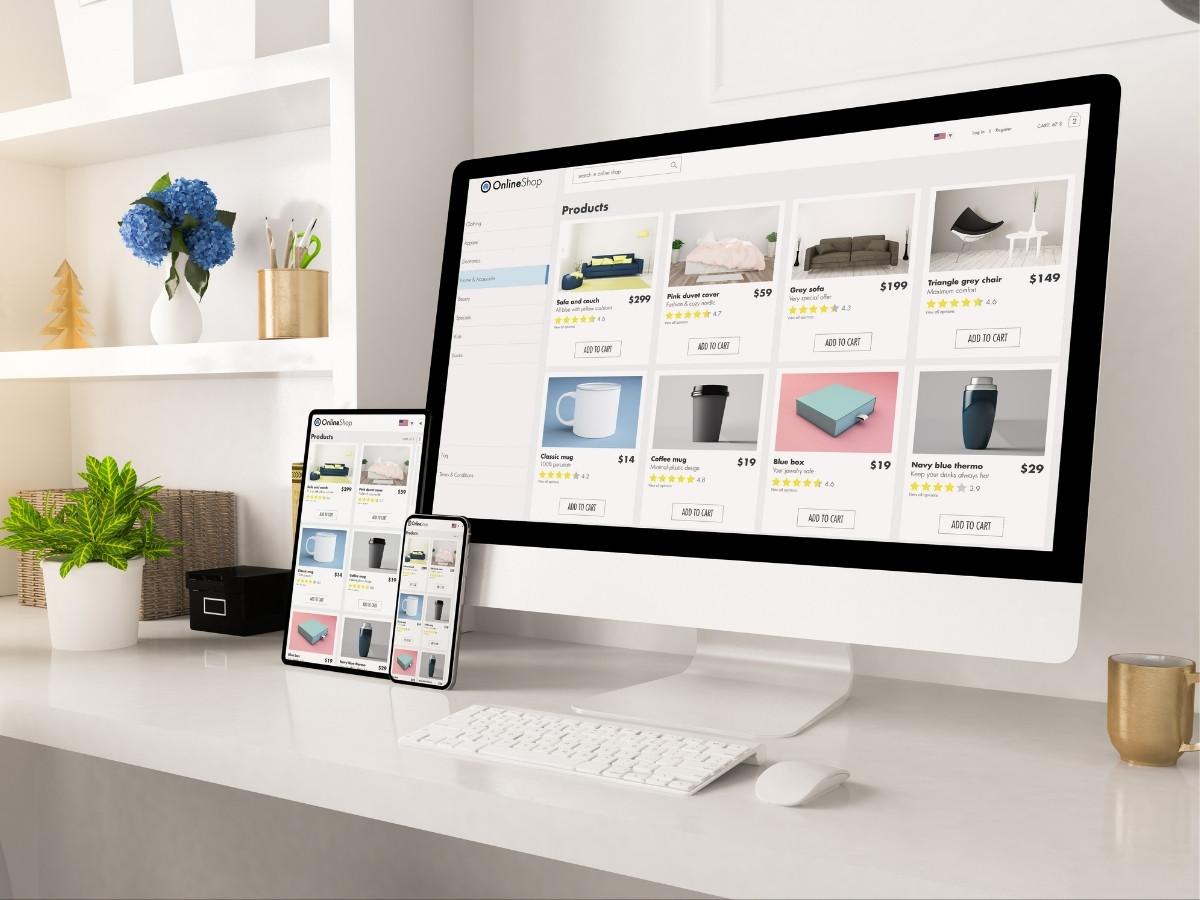
Two sites with identical page counts can differ by a factor of ten. Here’s what drives that:
- Design approach – Free theme, premium theme, or fully custom design
- Custom functionality – Standard features versus custom plugins and bespoke development
- Content volume – Ten pages versus two hundred, plus who writes them
- Integrations – CRM, ERP, booking systems, and payment platforms each add scope
- Ecommerce complexity – Product count, variations, shipping rules, and tax handling
- Traffic requirements – Hosting and performance optimization scale with visitors
- Who builds it – DIY, freelancer, or agency, at very different hourly rates
- Timeline – Compressed schedules cost more
Frequently Asked Questions
How much does a basic WordPress website cost?
A basic website you build yourself costs $75 to $200 for the first year, covering a domain, shared hosting, a free theme, and free plugins. Adding a premium theme and a couple of paid plugins brings that to $200 to $500. If you hire someone to build it, a basic small business brochure site typically starts around $1,200.
Is WordPress free?
The core WordPress software is completely free and open source. Running an actual website still requires paying for hosting, a domain name, and often themes, plugins, and maintenance. The cheapest realistic setup combines shared hosting with a free theme and free plugins, landing around $75 to $150 per year.
Which is cheaper, Wix or WordPress?
WordPress is cheaper at the entry level and roughly comparable once you add premium tools. Wix plans run about $17 to $35 per month with hosting and a builder included.
A basic WordPress site on shared hosting with free themes and plugins costs $6 to $12 per month equivalent, which is meaningfully cheaper. Once you add premium plugins and managed hosting, WordPress lands in similar territory, but you get complete control, no platform lock-in, and a site you can move anywhere.
What is better, GoDaddy or WordPress?
They aren’t really competitors, which trips people up. GoDaddy is a hosting and domain company that sells WordPress hosting alongside its own website builder. WordPress is the software. You can run WordPress on GoDaddy hosting, and many people do.
The real comparison is GoDaddy’s proprietary website builder versus WordPress, and there WordPress wins on flexibility, plugin ecosystem, SEO control, and portability. GoDaddy’s builder is simpler for absolute beginners but limits what your site can become.
Why are people moving away from WordPress?
Some are, but the numbers don’t support the narrative. WordPress still powers roughly 43% of all websites and holds close to 60% of the CMS market as of early 2026, with the nearest competitor at around 5%.
The genuine complaints are real: WordPress has many moving parts, requires ongoing maintenance, and can feel daunting if you’d rather not think about hosting and plugins. Businesses that want a fully managed, zero-maintenance setup sometimes prefer hosted builders. Businesses that want ownership, flexibility, and no platform lock-in stay with WordPress.
Is WordPress outdated in 2026?
No. WordPress ships regular core updates, the Block Editor has substantially modernized content editing, and full site editing has changed how themes work.
The platform’s share of the web has held steady rather than declined. What is fair to say is that a WordPress site built in 2016 and never updated will feel outdated in 2026, which is an argument for maintenance rather than against the platform.
How much should I budget for WordPress maintenance?
Between $20 and $200 per month covers most business websites, depending on whether maintenance comes bundled with managed hosting or handled by a freelancer or agency.
Agencies offering full support typically charge $500 to $1,000 or more per month, which makes sense for sites where downtime costs real revenue. Budgeting nothing is the expensive option.
Why do WordPress quotes vary so much between agencies?
Because “WordPress website” describes wildly different projects. A premium theme configured with your branding is a few days of work. A custom-designed site with bespoke functionality, integrations, and a content migration is a few months.
When comparing quotes, look at what’s actually included: design approach, page count, custom development, content, SEO setup, and post-launch support. A $2,000 quote and a $20,000 quote are usually describing genuinely different deliverables.
Can I reduce my WordPress costs later?
Yes, and most sites carry avoidable spend. Audit your plugin licences annually and drop anything unused. Consolidate overlapping tools, since one page builder usually replaces several single-purpose plugins. Review hosting against actual traffic rather than what you expected at launch. Check renewal rates against new-customer pricing, and negotiate or switch where the gap is large.
Ready to get a real number for your WordPress project?
Ranges are useful for planning and useless for deciding. The only way to know what your site costs is to scope what it actually needs to do.
We’ve built WordPress websites for over 2,400 clients since 2011, across every budget from small business brochure sites to complex custom builds. Tell us about your project, and we’ll give you a clear, fixed-scope quote rather than a range.